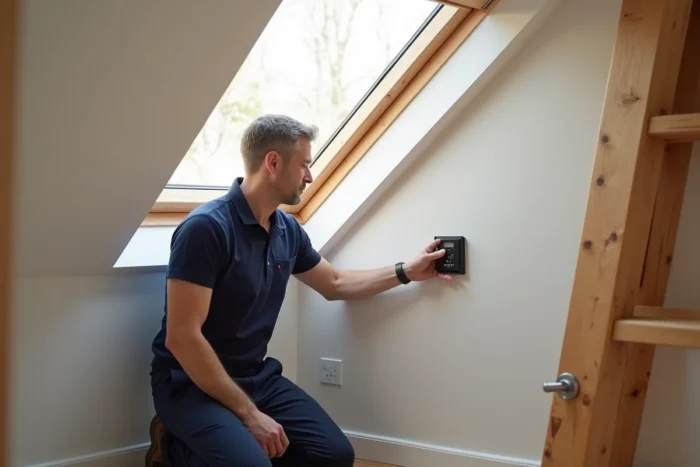
The Velux KLI 310 wall-mounted keyboard uses the io-homecontrol radio protocol to control roof windows, roller shutters, and solar blinds from the Integra range. Programming or resetting this device requires understanding the pairing logic specific to this protocol, which differs significantly from a simple “reset” button. What parameters determine the success of the operation, and where do the discrepancies lie between the different Velux remote controls?
io-homecontrol Protocol of the KLI 310: What the Radio Signal Requires
The KLI 310 does not emit an infrared signal like a television remote. It communicates via bidirectional radio waves using the io-homecontrol protocol. Each Velux Integra product (roller shutter, motorized window, blind) has a unique io security key that must match the one registered in the wall-mounted keyboard.
This architecture explains why a simple battery change is not enough to restore the connection. If the io key of the keyboard and that of the motor no longer match (after a prolonged power cut, an accidental reset, or the replacement of a component), the pairing procedure must be restarted from the product itself, not just from the keyboard.
A detailed guide on the programming and resetting of a Velux KLI 310 roller shutter allows you to verify each step of the process without risking desynchronizing other already registered products.
KLI 310 Compared to Other Velux Integra Remotes: Comparison Table
Forums and manuals often mix the procedures of several models. The table below distinguishes the characteristics that directly influence programming.
| Characteristic | KLI 310 (wall-mounted keyboard) | KLI 311/312/313 | KLR 200/300 |
|---|---|---|---|
| Type | Wireless wall-mounted keyboard | Next-generation wall-mounted keyboards | Remote control with screen |
| Protocol | io-homecontrol | io-homecontrol | io-homecontrol |
| Controlled Products | One product or a group | One product per keyboard (311 = window, 312 = blind, 313 = shutter) | Multiple products, room management |
| Pairing Procedure | Motor reset button + short press on the keyboard | Specific procedure, differs from KLI 310 | Screen menu with automatic search |
| Current Availability | Still in service, increasingly replaced | Standard on new installations | Advanced centralization option |
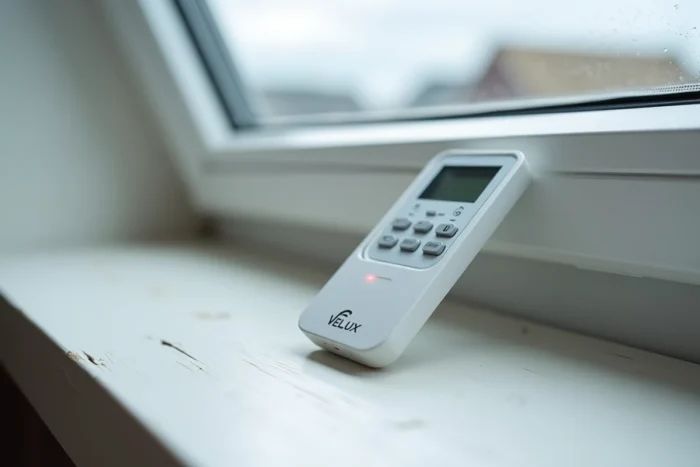
The central point of this comparison: the pairing procedure of the KLI 310 does not work on a KLI 311, and vice versa. Using the wrong manual for the wrong keyboard is the primary cause of failure reported on Velux and Somfy technical forums.
Resetting the Velux Solar Roller Shutter Before Pairing
Resetting the keyboard alone does not resolve anything if the motor of the roller shutter is not itself set to receive mode. For a solar roller shutter SSL, the sequence goes through the motor, not through the wall-mounted keyboard.
- Disconnect the solar cell or cover the photovoltaic panel to cut power to the motor for several seconds, then restore power. The motor enters discovery mode for a short time window.
- During this window, press the pairing button on the KLI 310. The shutter should perform a brief confirmation movement (raising or lowering a few centimeters).
- If no movement occurs, the motor has not switched to receive mode. You need to repeat the power cut while ensuring a sufficient disconnection time.
The motor only accepts a new pairing for a few seconds after being powered back on. This time constraint, absent from simplified manuals, is the main reason for repeated failures.
Case of the Wired Velux Roller Shutter
For an electric roller shutter powered by the grid (not solar), the reset goes through cutting the dedicated circuit breaker. The principle remains the same: cut, wait, restore, then initiate pairing during the motor’s discovery window. The difference lies in the power source, not the radio protocol.
Frequent Failures After Programming the KLI 310 Wall-Mounted Keyboard
Some malfunctions appear after an apparently successful pairing. They do not stem from a hardware defect but from a sequence error.
A shutter that reacts intermittently often indicates an io key conflict, typically when two keyboards attempt to control the same product with different keys. The solution is to reset the motor, then pair only one keyboard before adding the second.
The KLI 310 keyboard does not have a screen or elaborate visual feedback. A button press that is too long may send a group command instead of an individual command. The Velux Integra manual distinguishes between a short press (product command) and a long press (group command), a nuance that simplified guides often omit.
Compatibility and Replacement of the KLI 310: When to Change Remote
The KLI 310 remains compatible with current io-homecontrol motors. However, new installations are now delivered with KLI 311, 312, or 313 keyboards, each dedicated to a specific type of product (window, indoor blind, roller shutter).
For a user whose KLI 310 is still functioning, the replacement does not offer significant functional gains. The KLI 310 can control both a solar roller shutter and a wired model, provided that the io-homecontrol protocol is respected on both sides.
The situation changes if the goal is to centralize multiple Velux products. The KLI 310 manages one product or a group, but without a selection interface. The KLR 200 or KLR 300 controllers, equipped with a screen, allow individual control of each roof window, shutter, and blind from a single device. Switching to the KLR 200/300 is justified when there are three motorized Velux products in the home.
Replacing a KLI 310 with a KLI 311 or KLR 200 involves a new complete pairing procedure. The old keyboard must be unpaired from the motor before registering the new one; otherwise, the two devices will conflict over the same io key. This unpairing step is absent from most quick tutorials, leading to situations where the roller shutter no longer responds to any commands.